

I noticed late last night that a new Bluetooth/Wifi tethering app has just appeared in the main Jolla store thanks to developer jlehtoranta!
The app, simply entitled ‘Tethering’ is now available to download from the Jolla store direct to your Jolla phone and allows the sharing of mobile data connection over Wifi or Bluetooth.
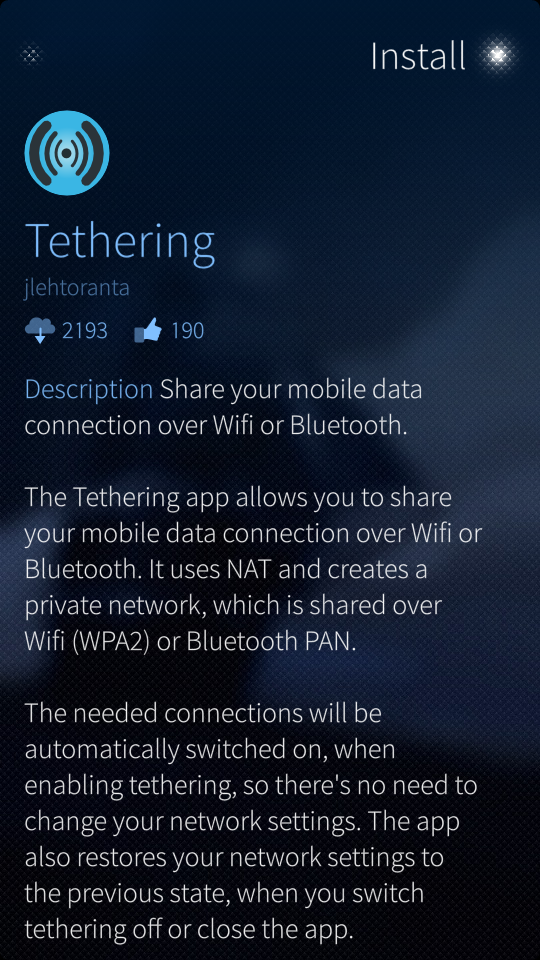
From the description:
It uses NAT and creates a private network which is shared over WiFi (WPA2) or Bluetooth PAN.
The needed connections will be automatically switched on when enabling tethering so there is no need to change your network settings. The app also restores your network settings to the previous state when you switch tethering off or close the app.
Only the WiFi network name and pre-shared key needs to be configured. After that you just have to enable tethering, connect to the network and start surfing.
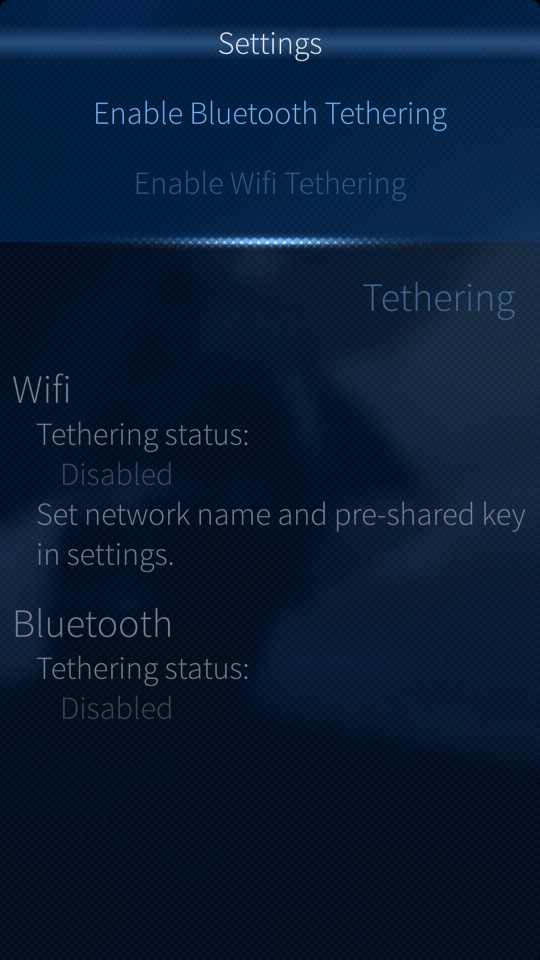
I have run some tests using the Bluetooth PAN service and it is very easy to connect and works as advertised. If anyone has used the WiFi tethering option feel free to share your experience below.
This is really great news as it narrows the list of ‘must have’ features meaning Sailfish is another step closer to removing the ‘Beta’ status!
Sail On!

Latest posts by JollaTides (see all)
- #Jolla Tablet Campaign: Last Chance To Order + Juicy Perks - December 8, 2014
- #TOHKBD: Go, Go, Funky Configurator! - November 28, 2014
- #Jolla Tablet: Campaign Adds Bulk Retailer Option And Stretch Goals! - November 27, 2014
WiFi works fine. If there is another network nearby that you have connected to it might give you some trouble but when there is no such network nearby it works fine.
Thanks for the update! :-)
is it a free app?
All apps in the Jolla store are currently free and ad free but that may change… ;-)
All of the android apps I’ve downloaded have also been free, but most free android apps are ad supported to give the developers something for their hard work.
the wi fi tethering is great!!!
the bluetooth does not solve the problem of connection with mac.
I can pair with a mac it is connected ,then lost connection.
Haven’t had a problem personally @shebzee – have you checked settings to make sure your data connection is enabled ?
Now lets get Sailfish included in mesh networking. I would like to see the open garden app ported to Sailfish. I mentioned it on their website. http://opengarden.com/